
- Who it's for
- Owners, IT and data protection in mid-sized companies who need to know which AI is in use.
- What you'll be able to do
- Set up an AI inventory with the fields from checklist 1 and reach your first controlled use case in 14 days.
- As of
- September 2026
The highest-leverage AI Act move for most teams is not legal deep-dives. It’s: knowing what AI you actually run (use cases, data, tools, owners, control level). Without an AI inventory you won’t “become compliant later”. You’ll drown in unknowns.
Primary sources: when does what apply?
Regulation (EU) 2024/1689 applies from 2 August 2026, with earlier phases — among them 2 February 2025 and 2 August 2025. You can read it up in the EUR‑Lex summary of the regulation and in Article 113, explained by the AI Act Service Desk.
This post was published in March 2026. Since then the legal situation has changed in three places, and in favour of companies:
The obligations for high-risk systems apply later. Amending Regulation (EU) 2026/1744 (the “Digital Omnibus on AI”, in force since 27 July 2026) moved them to 2 December 2027 — and for AI in regulated products under Annex I even to 2 August 2028. At the same time, the definition of high-risk has been narrowed.
The transparency obligations, by contrast, have applied since 2 August 2026 as planned. Anyone running a chatbot or publishing AI-generated images and videos has to say so — that also affects companies which merely use AI rather than build it.
In Germany the Bundesnetzagentur is in charge. The AI market surveillance and innovation act (KI‑MIG) came into force on 29 July 2026. The authority runs a service desk, an online tool for a first assessment of the risk class and an AI regulatory sandbox. Small and mid-sized companies are explicitly the target group.
What that means for this project: nothing. An AI inventory is not worth having because a deadline is looming, but because nobody can steer a process they cannot see. The postponed deadline buys you time — it does not take the work off your desk.
Sources: Bundesnetzagentur on the KI‑MIG · KI‑MIG full text · overview of the changes
Not legal advice. This is implementation/process guidance.
In 2026 nobody asks “do you use AI?” — they ask “where exactly, and how do you control it?”
In real mid-market setups it often looks like this: AI sits inside SaaS tools, browser extensions, “test accounts” and automations. The data for it flows through email, CRM, tickets and files — sometimes with personal data in the mix. And decisions are semi-automated in practice: AI drafts, and the human still clicks send fast.
The risk isn’t the model. The risk is missing visibility + missing evidence that you’re in control.
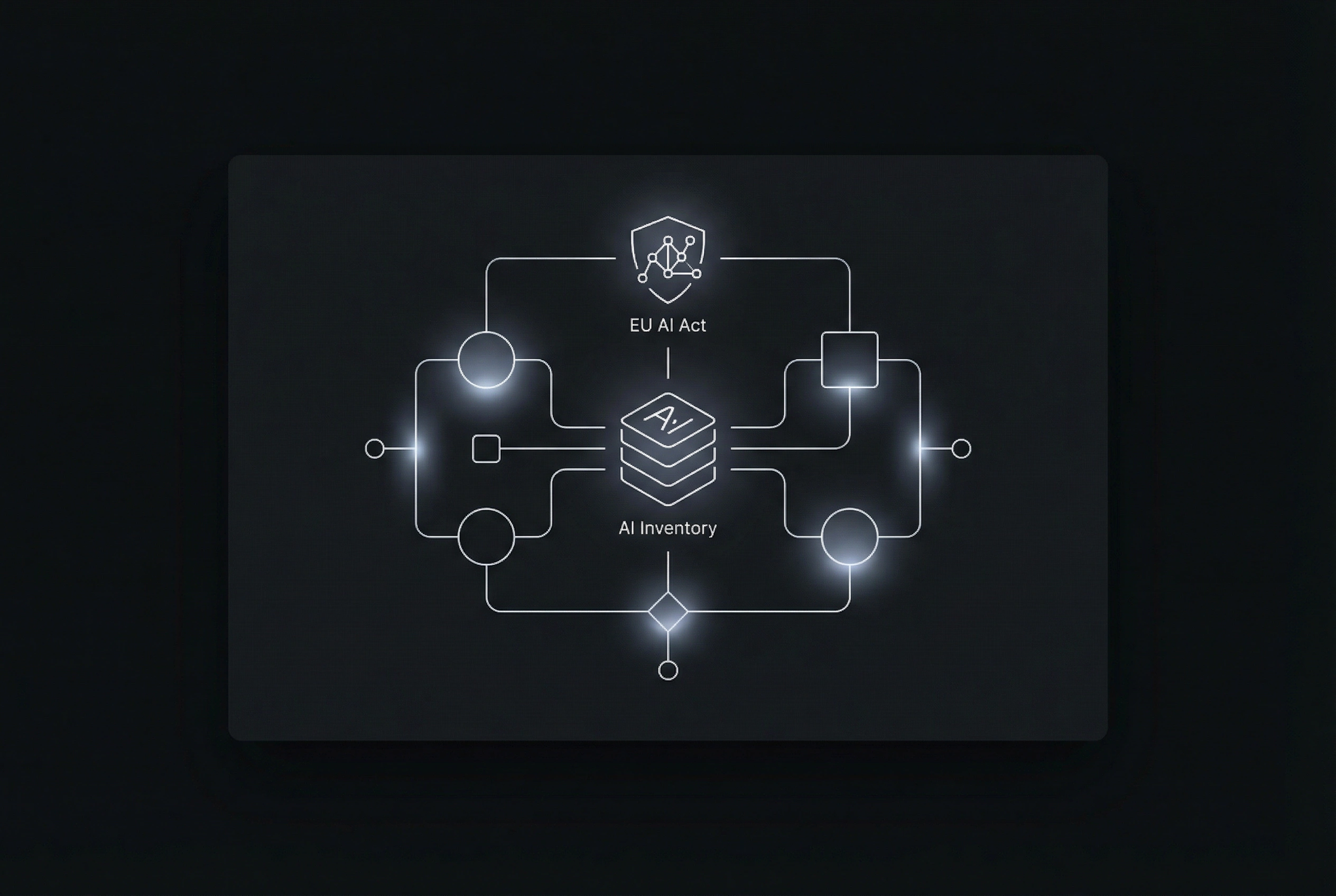
The 80/20 system: an AI inventory as a small internal mini app
An AI inventory is not a spreadsheet that dies after two weeks. It’s a small internal app with three jobs.
- 01CaptureWhich AI use cases exist at all — inside SaaS tools, browser extensions, test accounts and automations.
- 02ClassifyEvery use case by control level and risk flags.
- 03ProveWith evidence and an audit trail: who approved what when.
The data model behind it can stay pragmatic. These details per use case are enough:
- use case name + goal (one sentence)
- owner (business) + reviewers (IT/security/DPO)
- input data types (public/internal/confidential/PII)
- tool/provider + hosting/region (if known)
- output type (internal/external) + impact if wrong
- control level (draft/assist → partial automation → critical)
- logging/retention (what is stored for how long?)
- evidence links/uploads (DPA, DPIA artefacts, approvals)
What you do NOT need (and what you do)
To start, you don’t need perfect legal classification on day 1, you don’t need 60-page policies, and you don’t need a “Center of Excellence” that exists as an org chart in a slide deck.
What you do need is one front door where all AI use cases land. Then ownership: who is accountable, and who reviews. Gates where someone decides whether a pilot may start or not. And evidence that shows why you approved it.
Checklist 1: AI inventory fields (copy/paste)
- Use case name + goal (one sentence)
- Owner (business) + backup
- User group (who uses it?)
- Tool/provider/model (if known)
- Input sources (email/CRM/files/DB/API)
- Data types: public / internal / confidential / PII
- Output: internal vs external (customer/partner)
- Human-in-the-loop (where must a human approve?)
- Automation level (assist / partial process / decision)
- Logging: what’s logged? (inputs/outputs/prompts/IDs)
- Retention: how long? who can access?
- Risk flags (e.g., people impact, PII, external)
- Evidence: links/files (DPA, DPIA, approvals)
Checklist 2: “AI Act ready” in 14 days (realistic)
- Days 1–2: collect 15–30 use cases (workshop + ask for shadow AI)
- Days 3–4: lock the data model + roles (owner/reviewer)
- Days 5–7: build the review flow (submitted → review → pilot → approved/rejected)
- Days 8–9: evidence vault + audit trail (who approved what when)
- Days 10–11: triage wizard (risk flags + default control levels)
- Days 12–14: pilot playbook (do/don’t, data rules, logging) + team briefing
Getting the AI inventory mini app built
Send me:
- your top 10 processes where AI is “somehow” used
- the tools currently in the wild (including unofficial)
- who performs IT/security/DPO reviews
I deliver in 7–14 days an internal AI inventory mini app, together with the review flow and its audit trail, plus templates for typical mid-market use cases: email assist, support drafts, document workflows.