
- Who it's for
- Sales, data protection and IT at service providers who have to hand customers a DPA, TOMs and security questionnaires.
- What you'll be able to do
- Plan vendor onboarding as one intake with a status and an audit trail, and export the evidence pack at the push of a button.
- As of
- March 2026
When a customer asks “send your DPA + TOMs + sub‑processor list + contacts”, many teams start digging through inboxes. Build a small internal onboarding app that requests, versions, approves, and exports an evidence pack. That’s not just compliance — it’s sales speed.
Primary source (quick but real)
If a provider processes personal data on behalf of a controller, you generally need a contract under GDPR Art. 28 (including its mandatory content). And you have to ensure “appropriate technical and organisational measures” (GDPR Art. 32). The primary source is the GDPR, Regulation (EU) 2016/679, on EUR‑Lex.
Not legal advice. Loop in your privacy/legal team for your specific setup.
The deal is blocked by paperwork
Typical 2026 reality: procurement and IT on the customer side want the DPA, the TOMs, the sub‑processor list, certifications, contacts and storage locations within 48–72 hours. On your side, these things live in email threads (“doesn’t a colleague have that?”), in old PDFs (“which version was it?”) and in three different SharePoint folders (“which one is final?”).
The outcome is the same every time: slow back‑and‑forth, missed deadlines, and unnecessary debates about risk.
Fix: treat vendor onboarding as a repeatable product flow.
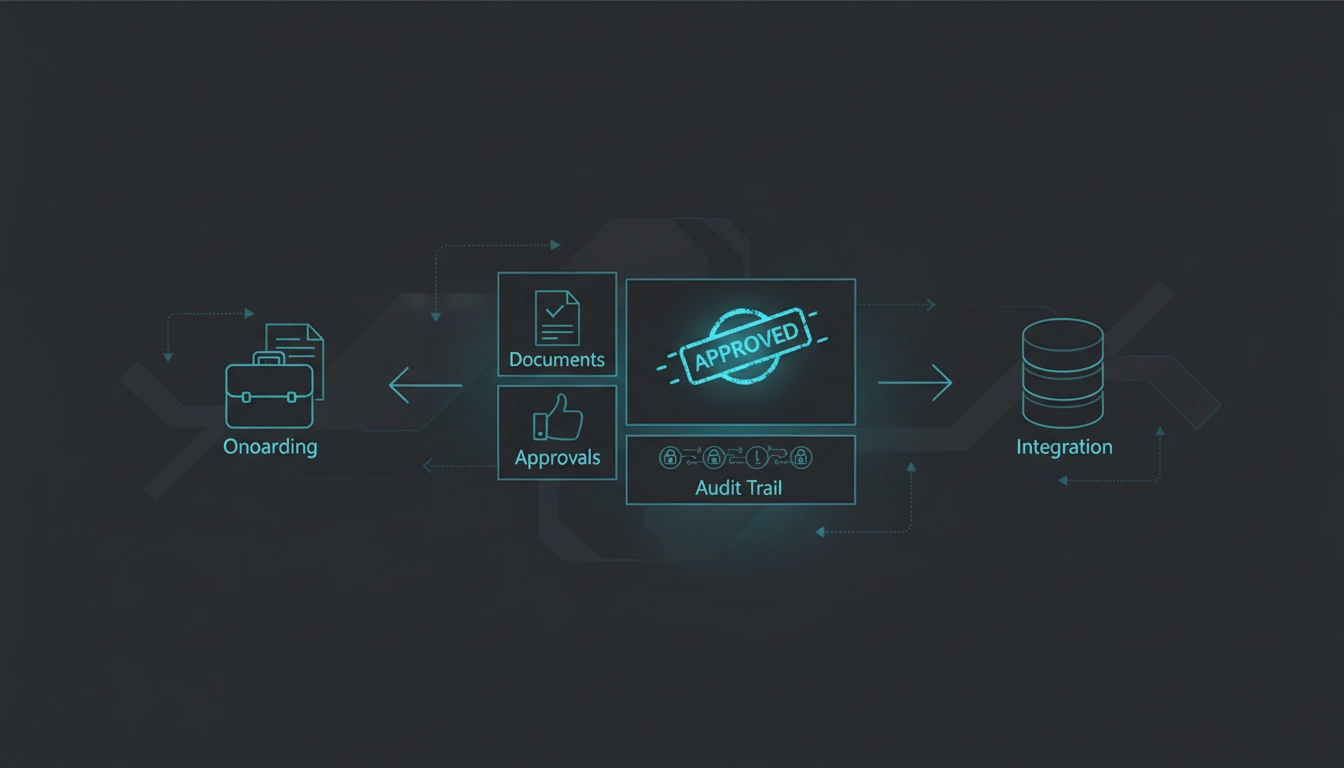
The minimal system: one inbox, one status, one audit trail
This is not a GRC project. It’s a reliability project.
- 01Request templates per customer typeCovering DPA, TOMs and questionnaires.
- 02Document vaultWith versions, expiry dates and owners.
- 03Approval workflowAcross privacy, security and sales.
- 04Evidence pack exportThe bundle plus its changelog.
What the app should do (without overkill)
Roles and permissions
Sales can trigger a request and track its status, while privacy and security approve the content. Whatever is marked “approved” really is approved — either immutable or with full history.
Automation
The app sends expiry reminders, for instance when TOMs or certifications are due for their annual refresh. When sub‑processors change, it notifies the people involved and collects their approval.
Transparency
Timestamps show who uploaded, changed or approved what, and the status says in one word where a request stands: requested, in review, approved, sent.
Checklist 1: your baseline evidence pack
- DPA (Art. 28) with required clauses (scope, duration, purpose, categories, obligations)
- TOMs (Art. 32) document with version + date
- Sub‑processor list + change notification process
- Data flow summary (where data is processed/stored)
- Contacts (DPO/privacy, security, incident contact)
- Incident process (how to notify customers)
- Retention/deletion approach
Checklist 2: mini‑app spec (so it ships in 14 days)
- MUST: central vault + versioning
- MUST: status board per customer request
- MUST: approval step (privacy/security)
- MUST: export “customer evidence pack"
- SHOULD: expiry reminders + renewals
- SHOULD: templates per customer type
- NICE: auto‑redaction for sensitive details
- NICE: integrations (HubSpot, Jira, SharePoint, Google Drive)
A realistic 14‑day plan
- Days 1–2: inventory docs + define the templates
- Days 3–5: vault + versioning + owners + metadata
- Days 6–8: flow + roles/permissions + approvals
- Days 9–11: export pack + audit trail
- Days 12–14: reminders + SOP + a 1‑page sales playbook
Getting the vendor onboarding mini‑app built
Send me:
- your top 3 recurring customer requests (DPA/TOMs/questionnaires)
- where your docs live today (Drive/SharePoint/Confluence)
- who approves (sales/privacy/security)
I’ll turn it into a small internal app that handles requests fast, clean, and auditably — without a GRC monster.