
- Who it's for
- IT, data protection and department leads in companies where every team tests its own AI tools.
- What you'll be able to do
- Set up one intake for AI ideas, sort each case roughly by risk, and start pilots with a clear approval.
- As of
- March 2026
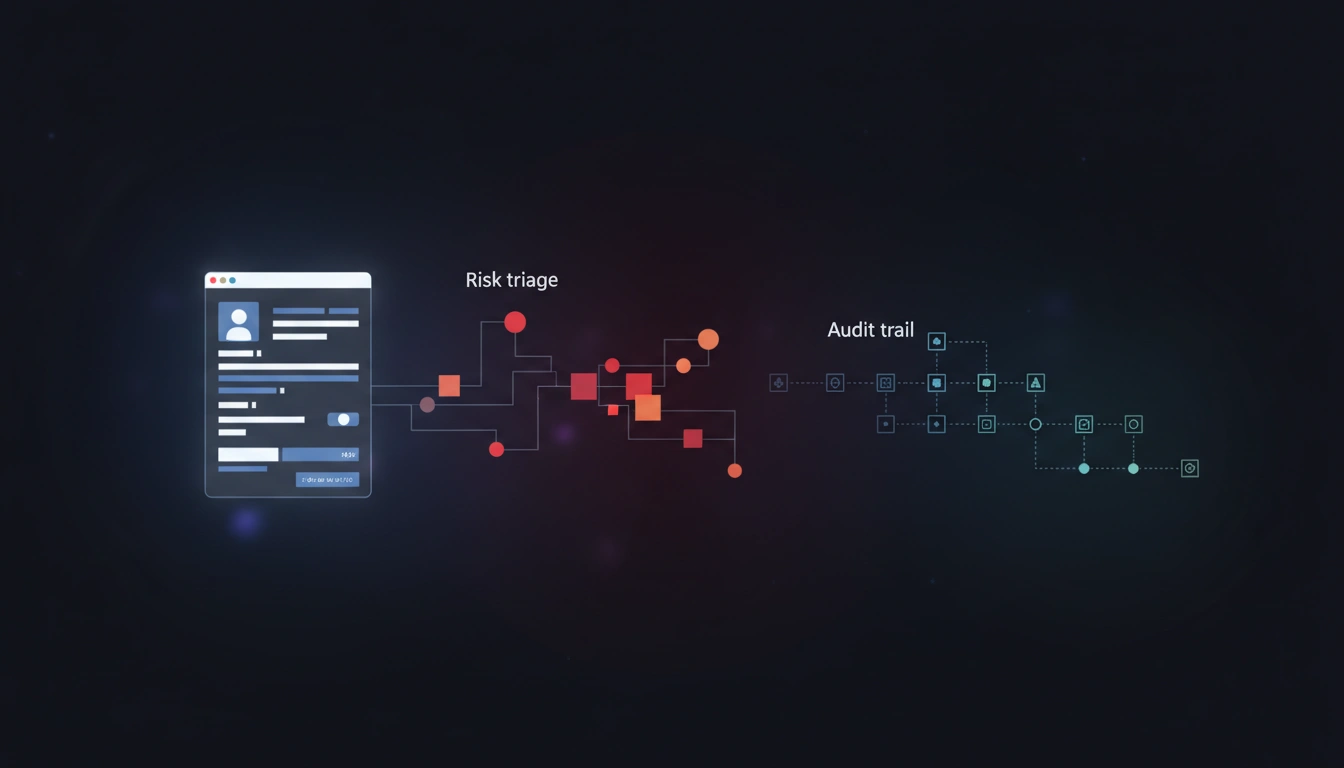
In classic Mittelstand teams, AI rarely fails because of the model — it fails because of chaos: tools, data, owners, approvals. Build a small internal AI‑intake mini‑app that collects use‑cases, triages risk, assigns owners, and stores evidence. You get speed + control instead of “AI ban vs. wild growth”.
Primary source (quick but real)
The EU’s AI Act (Regulation (EU) 2024/1689) follows a risk‑based approach. Practically, that means you need a reliable way to capture AI use‑cases and handle them by risk/scope before scaling. The primary source is the EU AI Act, Reg. (EU) 2024/1689, on EUR‑Lex.
Not legal advice — this is an implementation/process play.
“AI in the company” turns into shadow IT
The common 2026 pattern: marketing uses three tools, sales uses two, HR adds another. Nobody can answer what data goes in, who is accountable, and how any of it is evaluated. Legal and security respond with stop signs (“please clarify first…”) — and everyone hates it.
Better: don’t “allow/ban AI”. Build a single intake flow.
The minimal system: one front door for every AI idea
Goal: every AI idea has one place, one owner, a status, and an evidence set.
Five building blocks are enough.
- 01Use-case formAsks for purpose, users, data types, vendor or model, and the expected output.
- 02Lightweight risk triageSorts each case into low, medium, high or unknown.
- 03Owners and approvalsRecord who speaks up from business, IT, and privacy or security.
- 04Pilot gateSays tests may start — but only under clear rules.
- 05Evidence vaultCollects links, contracts, DPIA artifacts and the approval log.
What triage looks like (without turning it into a legal project)
You don’t need a perfect compliance engine. You need early signals.
Useful triage questions:
- Does it process personal data or confidential information?
- Does AI influence decisions about people (hiring, credit, access, scoring)?
- Is the output external (customers) or internal (assistive)?
- Any automated decisions without meaningful human control?
- What controls exist (logging, human‑in‑the‑loop, prompt/policy guardrails)?
Result: you quickly see whether it’s a fast pilot or a governance project.
Checklist 1: AI use‑case intake (copy/paste)
- Business goal (1 sentence) + expected impact (time/€, quality)
- User group + accountable owner
- Input data (public / internal / confidential / personal)
- Output (internal / external) + consequence if wrong
- Vendor/model (tool, hosting region, sub‑processors)
- Integrations (Slack, CRM, files, email, ticketing)
- Human‑in‑the‑loop: where must a person approve?
- Logging/monitoring (what is stored, for how long?)
- Pilot go/no‑go criteria
Checklist 2: AI‑intake mini‑app spec (shippable in 14 days)
- MUST: form + single intake channel (no spreadsheets)
- MUST: status board (Submitted / In Review / Pilot / Approved / Rejected)
- MUST: owner + reviewer roles (business/IT/privacy/security)
- MUST: evidence uploads + audit trail (who approved what when)
- SHOULD: triage wizard (risk flags + default recommendations)
- SHOULD: templates for common use‑cases (writing assist, support bot, summarization)
- NICE: automated checks (PII detection, DLP, prompt policy)
- NICE: export an “AI Use‑Case Dossier” (PDF/ZIP)
A realistic 14‑day plan
- Days 1–2: define the form + roles/approvals
- Days 3–5: status board + evidence vault + audit trail
- Days 6–8: triage wizard + standard pilot rules (do/don’t)
- Days 9–11: integrations (SSO, Slack/Teams, ticketing)
- Days 12–14: dossier export + a 1‑page pilot playbook
Getting the AI‑intake mini‑app built
Send me:
- your top 5 AI use‑cases (short)
- what data is involved (internal/PII/confidential)
- who blocks/approves today (IT/privacy/security)
I’ll turn it into a small internal AI‑intake app that unblocks pilots, makes risk visible, and gives you an auditable trail.